Logo lu
jadi 3D.
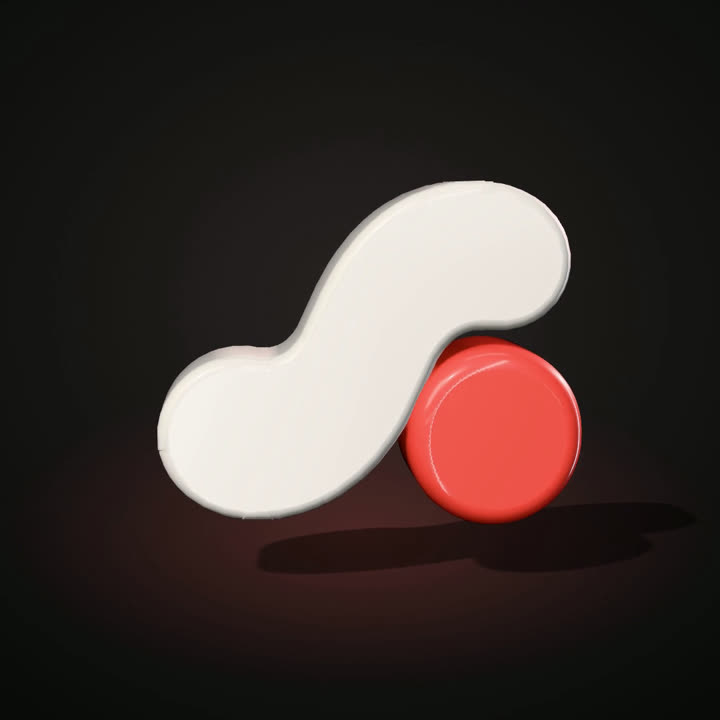
Dulu animasi logo 2D aja makan 2 hari di After Effects, versi 3D nggak pernah gue ambil. Sekarang 1 perintah ke Claude Code: logo diubah jadi objek 3D beneran, muter pelan, cahaya studio, langsung jadi video. Perintahnya pakai bahasa Inggris biar hasilnya paling akurat.
 ↓ Simpan versi PDF
PART 1 · PERINTAH UTAMA (APA · BAHAN · HASIL)
Build a 3D animation of my logo using Three.js in a single HTML file.

BAHAN (input): my logo file is in this folder: [logo.svg or logo.png]. If it is a PNG, trace the shapes into clean vector outlines first (one outline per color part).

APA (what): turn the logo into a real 3D object. Extrude every part (depth about 15% of the logo width) with a soft rounded bevel so the edges catch light. Keep the original colors per part.

HASIL (result):
- 1080x1920 canvas, dark background with a soft warm glow under the logo, subtle film grain.
- 6 seconds: the logo flies in from slightly far away and settles (0-1.6s), the small part (dot / accent) drops in from above and lands with a tiny wobble, then a slow turntable rotation (about 40 degrees) while the camera pushes in a little.
- Soft studio lighting: environment light + one key light top-left + one rim light behind. A soft contact shadow on the floor.
- Every frame must be a pure function of time (no Math.random, no requestAnimationFrame timing) so it renders the same every time.
- No extra text.

Then render it to an MP4 (1080x1920, 30 fps) and put it in the hasil folder.
PART 2 · BONUS 5 GAYA BAHAN (TAMBAHIN DI AKHIR PERINTAH)
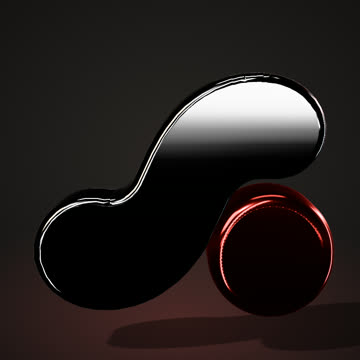
MATERIAL: polished chrome. Metalness 1, roughness 0.07, white base color, strong environment reflections. Keep the accent part in my brand color as glossy lacquer.
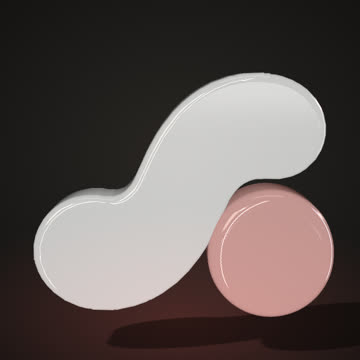
MATERIAL: clear glass. Transmission 1, roughness 0.03, IOR 1.5, thickness 0.8, slight dispersion. Tint the accent part with my brand color through attenuation color.
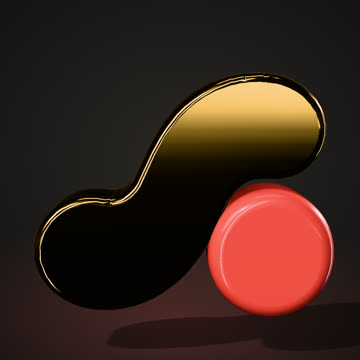
MATERIAL: polished gold. Metalness 1, roughness 0.12, base color #F1C16B. Accent part stays my brand color as glossy plastic with clearcoat.
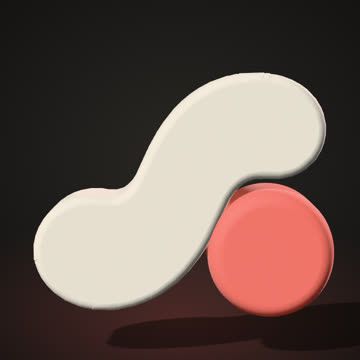
MATERIAL: soft matte clay. Metalness 0, roughness 0.85, no clearcoat, slight sheen. Warm cream for the main shape, my brand color slightly lighter for the accent.
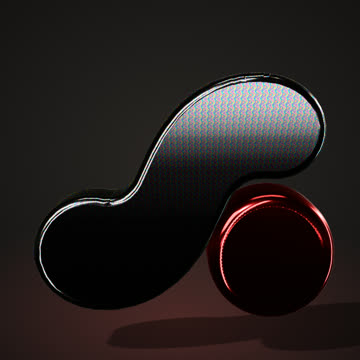
MATERIAL: holographic foil. Metalness 1, roughness 0.12, iridescence 1, iridescence IOR 1.8, thickness range 180-400 nm. Use a contrasty environment so the colors show.
CARA PAKAI
- Buka Claude Code (tab Code di aplikasi Claude), pilih folder project.
- Taruh file logo lu (SVG paling bagus, PNG juga bisa) di folder itu.
- Salin perintah utama, ganti nama file logonya, kirim.
- Mau gaya lain? Tambahin 1 blok gaya di akhir perintah, kirim lagi.
- Kurang pas? Minta satu-satu: "make it rotate slower", "less glow", "bigger bevel".
Catatan jujur: butuh Claude Code (bukan chat biasa) biar bisa baca file logo dan render video. Logo yang bentuknya rumit (banyak huruf tipis) kadang perlu 1–2 kali perbaikan. Pakai logo lu sendiri atau yang lu punya izinnya.
BELUM PASANG CLAUDE CODE?
Panduan pasang, 5 langkahgratis + PDF→PERINTAH LU SELALU KEPAKE
3 aturan + 10 templateAPA · BAHAN · HASIL→Wajib follow @send_graphic biar DM-nya masuk. Diperbarui 1 Des 2026.